A premium, completely flat-flush lock with advanced features and modern look and feel.

Search our website
Overview
What is RAS 2.0?
RAS 2.0 is web-based code management software that works with compatible Lowe & Fletcher digital locks. The administration platform is online, while the lock itself is offline. Administrators or users generate an access code through the web portal, which is entered directly at the lock, meaning there’s no need for internet, Wi-Fi, wiring, or mains power at the locker itself. Optional self-service booking, payment and API functions support applications from workplace and education storage through to parcel handover and paid luggage storage.
How RAS 2.0 works
1. Register your compatible locks
Your Horizon, Nimbus, Zenith or Gemini digital locks are registered to your RAS account.
2. Allocate or book
An administrator allocates a locker, or a user books it themselves through the self-service page.
3. Generate an access code
RAS creates a code and sends it to the user.
4. Enter the code at the lock
The user enters the code locally. The lock itself doesn’t need a live network connection to work.
What needs internet: the admin portal, and the user’s phone if booking via QR self-service.
What doesn’t need internet: the lock itself, at any point.
Is RAS 2.0 Right for Your Application?
RAS 2.0 suits you when network cabling at every locker is impractical, mains power isn’t available where you want to site lockers, or you don’t need to connect every lock to your IT infrastructure to get value from remote management. It’s also a lower-cost route to remote management than a fully connected smart locker installation, since there’s no networking hardware, wiring or per-lock connectivity to install and maintain.
If you need live physical lock status, network-based access credentials, or other connected functionality, our wider Smart Locks range, including Zodiac, may be a better fit. Talk to us about your requirement, and we can point you to the right technology.
Smart Lockers
Self Service Efficiency
RAS 2.0 provides your users with unparalleled convenience and control. Our self-service feature streamlines the locker rental process, providing a hassle-free experience for you and your customers.
-
Simple Rental
Users can effortlessly rent lockers through our intuitive online platform or by scanning on-site QR codes.

-
Tailored Options
Choose from a variety of locker sizes and additional features to suit your needs.

-
Instant Usage
Receive your unique access code immediately upon booking, allowing for instant locker usage.

-
Booking is a breeze
Rent lockers at your convenience, anytime, anywhere.

-
Protected Belongings
Rest assured that your personal belongings are safe and secure in specialised smart lockers.

Core Benefits
Why it’s so smart
Just some of the reasons why the smart lock management system may be right for you.

Remote Code Generation
The code for the next user is generated using the remote-locking website. The code is allocated by the administrator or through self-service QR code scanning.
– Grant access without needing local staff.
– No need to manually reset locks after each user.

Offline Operation
Locks do not require an internet connection.
– Avoid complex networking and connection issues
– Remote management benefits without expensive network hardware
– No mains power requirement

Website Management
Schedule bookings and send users their codes.
– The portal is ready-to-go, no need to develop custom booking systems
– API available for third party application integration
Choose your RAS 2.0 workflow
Administrator allocation
Best for schools, employee storage, and controlled equipment access. An administrator generates and sends the code.
Self-service booking
Best for luggage storage, events and public facilities. Users scan a QR code, book through a mobile-friendly page, and pay if required.
RAS 2.0 Compatible
Compatible Digital Locks
Our popular range of battery-powered digital locks is fully compatible with our RAS 2.0, offering a minimum of 50,000 uses before the battery needs changing.
Ideal for those who want the benefits of web-managed locking but without the cost or complexity of internet-connected functionality, our digital locks feature easy installation with no hard wiring, additional power, or infrastructure required to run and manage the system.
-
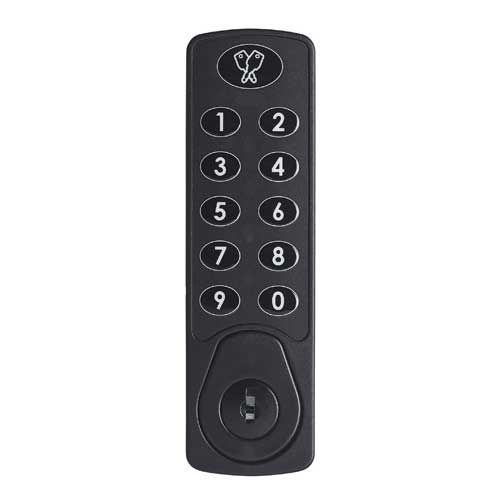
Horizon
-
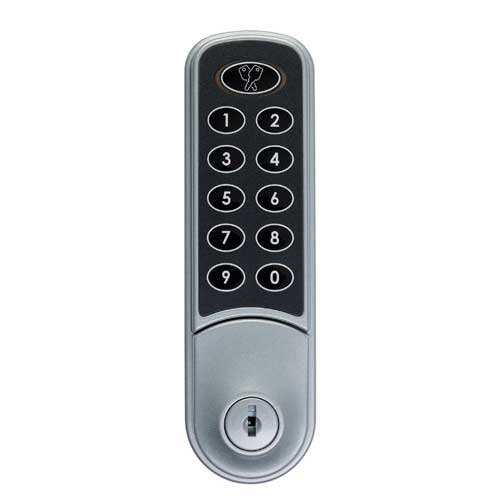
Nimbus
-
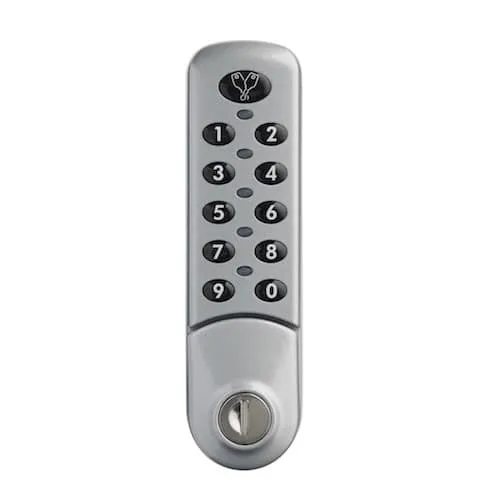
Zenith
-
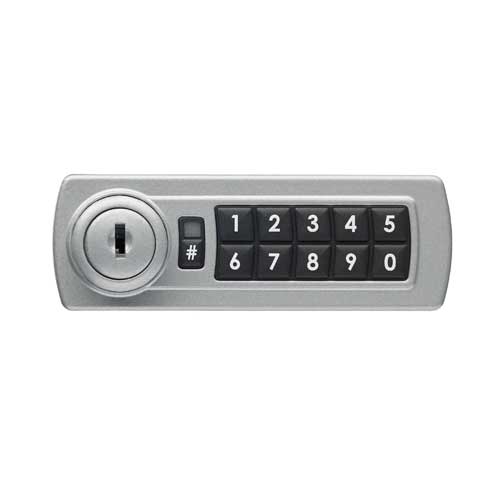
Gemini
Upgrading existing locks to RAS 2.0
If you already have compatible Lowe & Fletcher digital locks installed, they may be upgradeable to RAS 2.0 without replacing the hardware. Exact compatibility depends on the model and version installed. Tell us what you have, and we’ll confirm.
Ask us to check your installation
Security, data and IT requirements
The locks themselves never connect to the internet. Instead, codes are generated on the RAS web portal, and each lock runs the same algorithm, so it simply recognises the next code issued to it. Administrators can see current bookings and available locks from the dashboard, look back at previously issued codes if a query comes up, and view payment bookings too, where the RAS payment system is in use. If the web service ever goes down, nothing stops working at the lock, meaning an issued code stays valid until the next one is generated, and time-based codes on RTC locks run until their set expiry. The only thing you can’t do in that window is generate new codes. For integrations, API access is authenticated with a token. As for data, RAS keeps only a user’s name and email address, with payments handled by Stripe and PayPal, so no payment details are ever stored, and the whole system is hosted on AWS servers in Ireland.
RAS 2.0 integrations and API
RAS 2.0’s API lets you generate access codes from your own website or app, so booking and access can sit inside your existing customer journey rather than sending users to a separate RAS page.
How will you use RAS?
Suitable applications
The system works brilliantly across many applications and is ideally suited to the following:
-
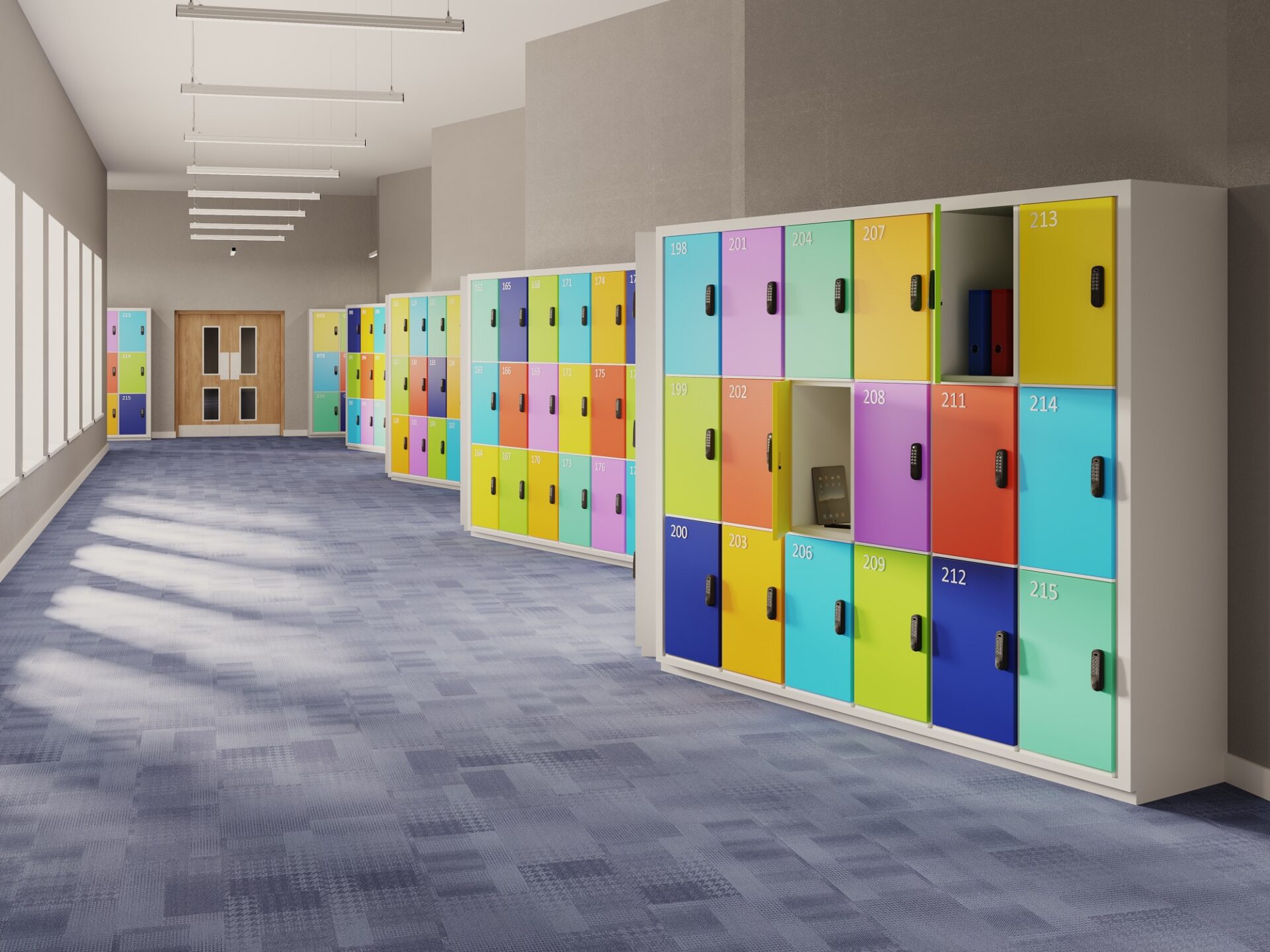
Education
-
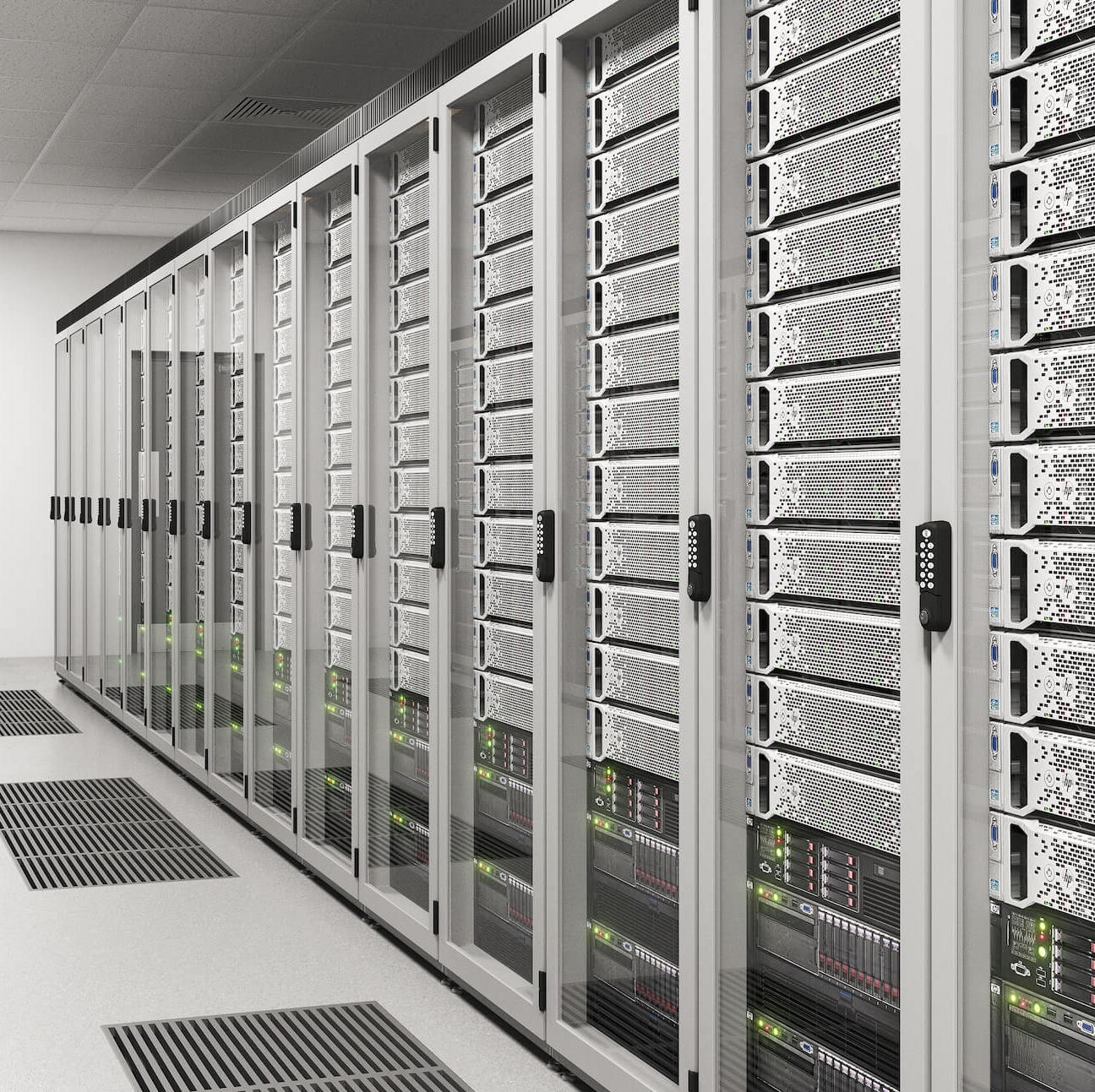
Asset Management
-
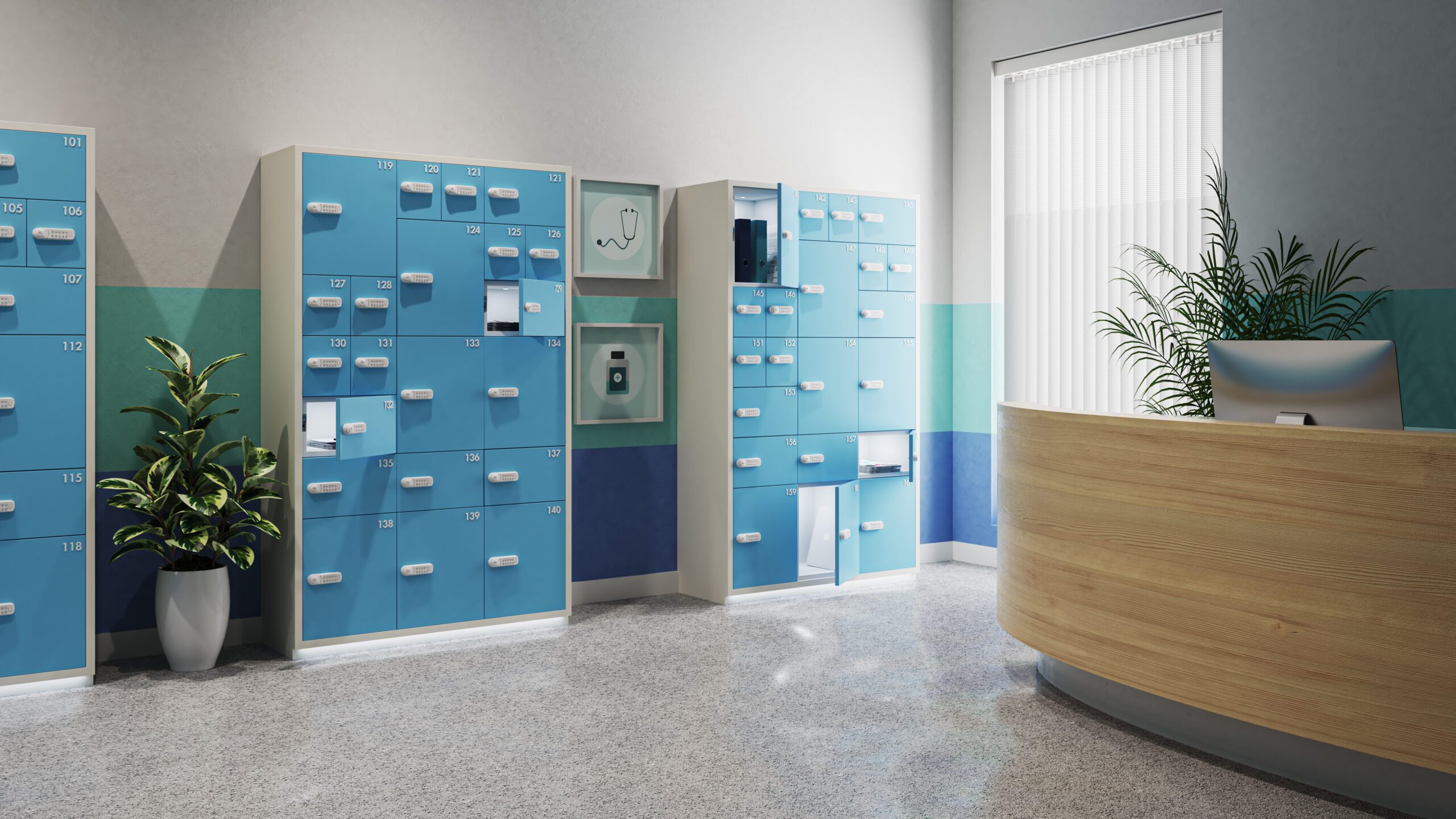
Parcel & handover lockers
-
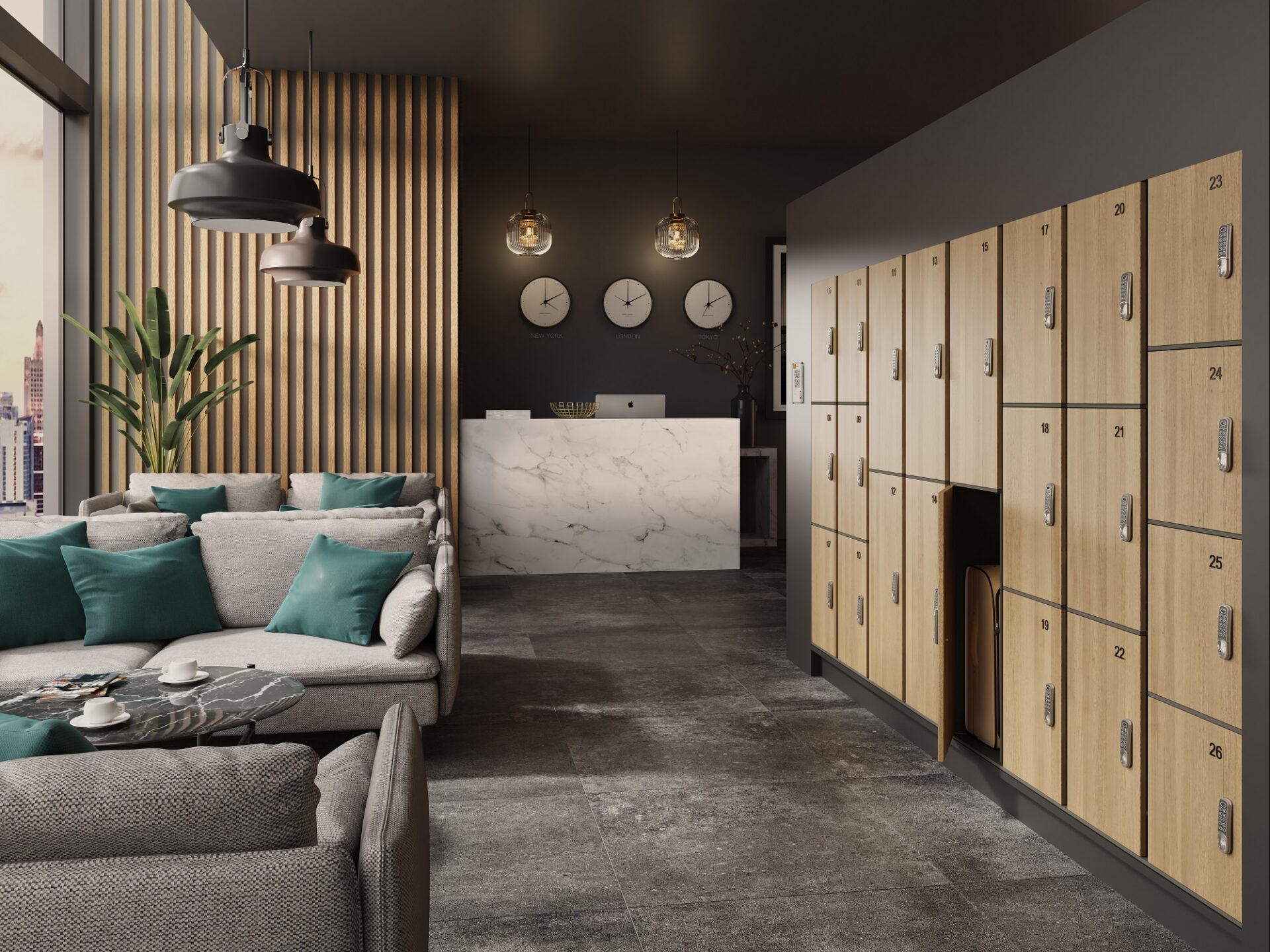
Luggage & paid storage
-
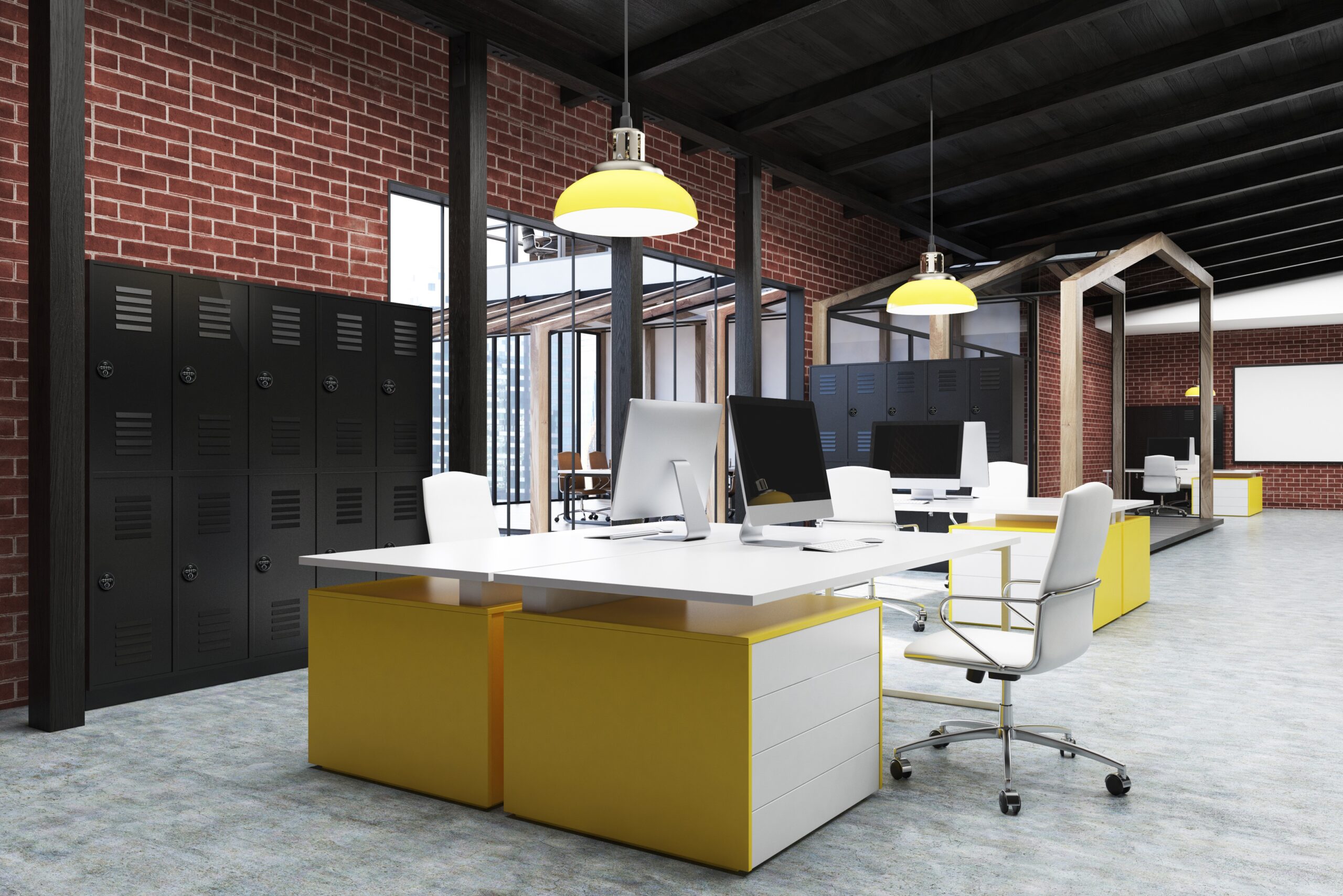
Employee lockers
What makes RAS 2.0 Unique?
Additional Functions
RAS 2.0 now has a range of additional functions that make it even smarter than before!
-
Administrator Dashboard
Clearly shows availability of locks and lockers by type
Single click – easy allocation
Filters for easy identification of availability
-
Administrator Payment Option
Administrators can take payment at point of booking

-
Configurable locker sizes
Allows for different size lockers to be available
Each locker can have up to three additional functions, for example, charging socket or light
Different payment rates (including non-payment option) can be set depending on size and function
Contact Us
Revolutionise Your Lock Management
Customise Your System
Available Options
Adapt the functionality of our smart lock systems with a range of optional features.
-
Scheduled Unlock
The lock keeps track of the time and date, while activation codes allow the lock to be used for a chosen period of time. This makes it ideal for storage applications where the lock should prevent further use after the reserved period has expired.
Day Mode: An activation code allows the lock to be used for a 24-hour period – the code is date generated and changes every day
Start/Stop Time Mode: For finer control, start-end times for the booking are chosen on the RAS website and a code is generated which gives access only between these times
-
Website Interface (API)
The web API allows a registered website or app to generate lock codes directly from our secure server.
Generate user codes from your own website, with no need to visit our main RAS site.
Create a unique interface tailored exactly for your business model, with RAS technology working in the background.
Revolutionising Locker Systems at Coventry & Warwickshire Partnership NHS Trust
The introduction of RAS lockers at Coventry & Warwickshire Partnership NHS Trust has revolutionised its IT service delivery.
Read how the RAS system provides a scalable, efficient and safe solution that meets the needs of a geographically dispersed workforce.
Technical Resources & Downloads
Brochure
RAS 2.0 Remote Allocation System Brochure
This brochure provides an overview of the RAS 2.0 Remote Allocation System, a code management software developed by Lowe & Fletcher and Euro-Locks for remotely managing access to smart locks.
Brochure
RAS 2.0 Self Service Operation
This brochure outlines a 10-step process for a user to book and gain access to a locker using the RAS 2.0 self-service system
Brochure
Smart Locking Solutions
How people use their spaces is changing discover how our range of smart locking solutions can reshape the way you work.
FAQs
RAS 2.0 (Remote Allocation System) is code management software for compatible Lowe & Fletcher digital locks. Administrators generate and send access codes remotely, while the locks themselves need no network connection to operate.