Search our website
Horizon Digital Lock 3950
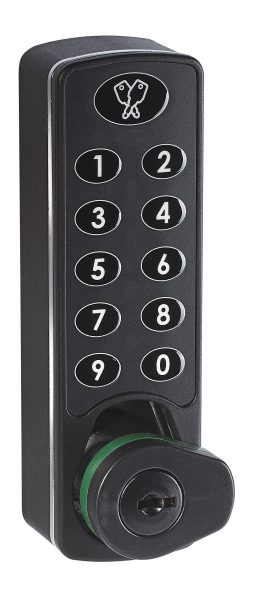
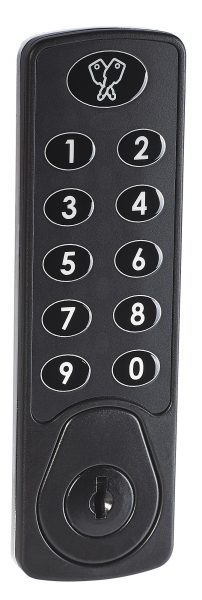
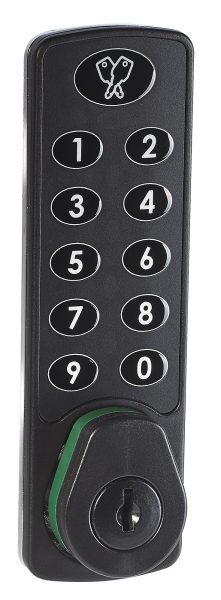
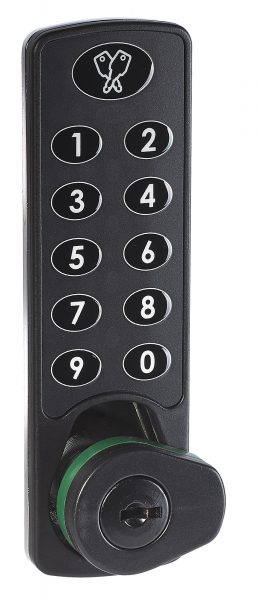
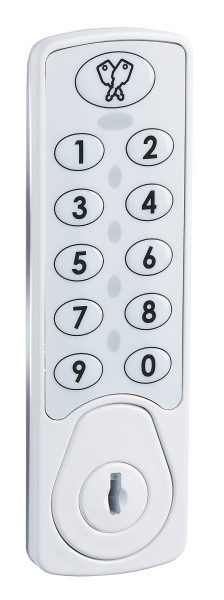
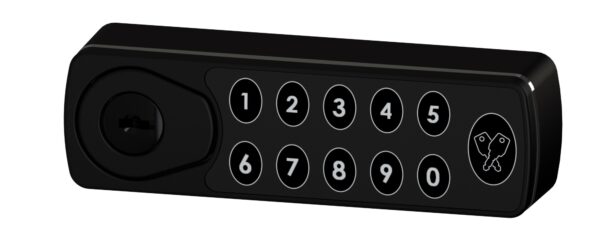
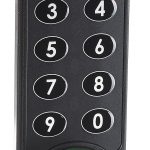
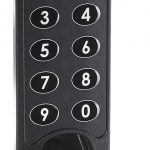
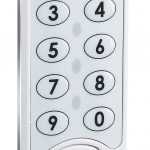
Secure. Keyless. Built for modern storage. The Horizon digital lock delivers secure access in a slim, modern design. Its compact footprint fits neatly into lockers, cabinets, and enclosures where space is limited and appearance matters.
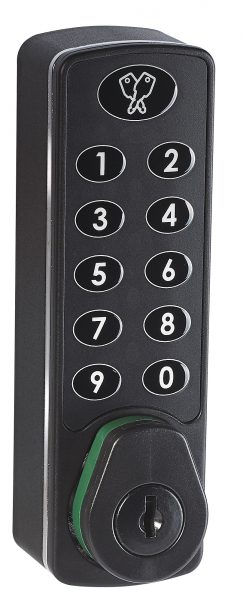
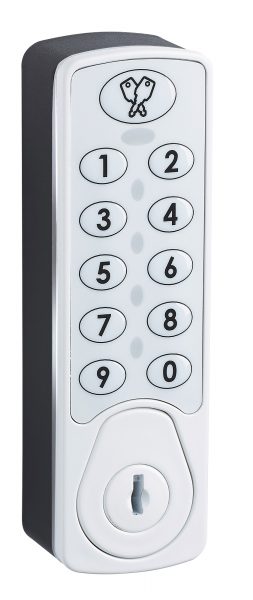
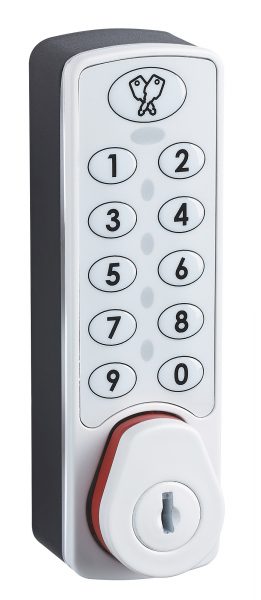
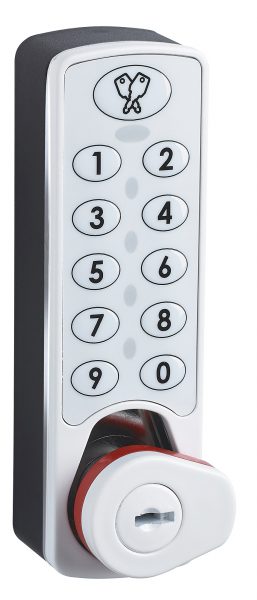
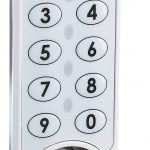
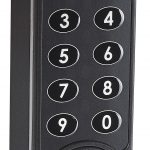
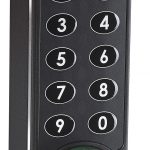
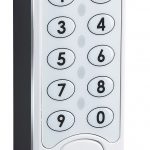
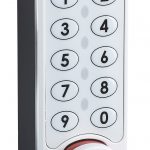
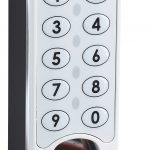
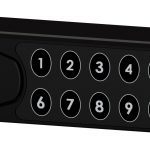
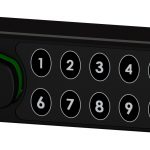
Lock Description
Install the lock quickly. Access it with a simple 4 digit PIN code. Three operating modes let you match the lock to how your space is used.
- Public mode – Users select a locker and set a temporary code.
- Private mode – Assign a locker and permanent code to a specific user.
- Remote Allocation (RAS 2.0) – Assign locks and codes remotely.
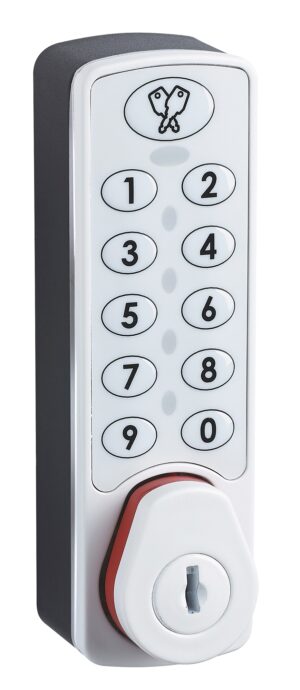
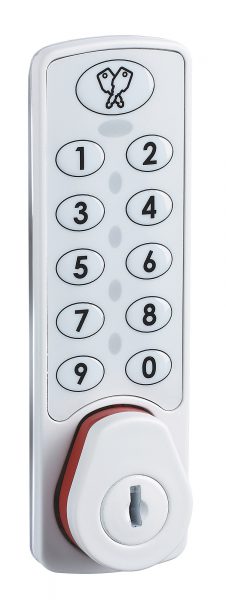
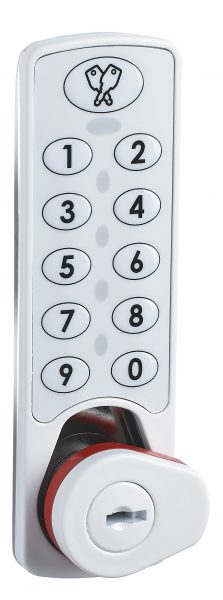
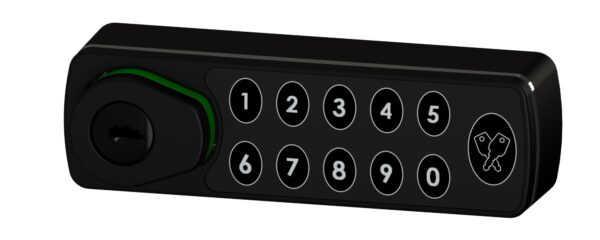
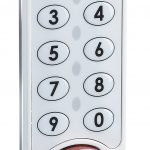
The pop out turn handle sits flush when locked while the coloured indicator ring shows lock status at a glance. Supervisors can gain immediate access using the steel override key.
Key features
- Slimline design with a small footprint
- Modern keypad lock with simple operation
- Secure pop-out handle that sits flush when locked
- Coloured indicator ring shows lock status
- Steel override key for supervisory access
Typical applications
- Lockers
- Cabinets
- Delivery boxes
- General enclosures
Have a question?
Lock Options
| Product Code | Body Length | Body Height | Body Width | Body Depth | Enquire |
|---|---|---|---|---|---|
| 3950 | 11.5 | 120 | 35.5 | 27.5 |
Standard Features
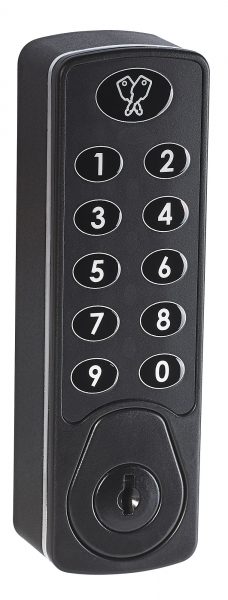
- Standard finishes: Black or white
- Custom colours available on request: Minimum order quantity applies
- Fitting options: Flush mount or surface mount
- Fixing options: Vertical, left-hand or right-hand
- User modes: Public, Private and Remote Allocation operating modes
- Spindle length: 20mm or 24mm
- Power supply: Standard CR123 Lithium battery
- Steel override key supplied: 2-keys per 50 locks
- LED battery condition indicator
- Audible button tones
- Auto unlock
- ADA/DDA compliant
- For Cam details please see G and H Cams
Additional information
Horizon Digital Lock 3950 technical drawing
Horizon Flush Fitting Digital Lock (3950) CAD Files
Download
Horizon Surface Mounted Digital Lock (3950) CAD Files
Download
Horizon Flush Fitting Digital Lock (3950) Installation Instructions
Download
Horizon Surface Mounted Digital Lock (3950) Installation Instructions
Download
Horizon Digital Lock (3950) Technical Drawing
Download
Horizon Digital Lock (3950) Order Specification Form
Download
Horizon Digital Lock (3950) Programming Instructions
Download
Horizon Real Time Clock (3951) Programming Instructions
Download
Horizon Digital Lock (3950) 6 Digit User Instructions
Download
Horizon Digital Lock (3950) 4 Digit User Instructions
Download
Horizon Flush Fitting Digital Lock (3950) Left Hand CAD Files
Download
Horizon Flush Fitting Digital Lock (3950) Right Hand CAD Files
Download
Part Number Guide – 3950/-/-/–/-/–
| Product Number | Barrel Length (from door face) |
Keypad Orientation |
Finish | Indicator | RAS |
|
3950 |
1 20mm/40mm |
1 Vertical |
0H Black |
1 Red |
-R |
| 2 RH |
2 Yellow |
||||
| 2 24mm/44mm |
3 LH |
0J White |
3 Green |
||
| 4 Upside Down |
Horizon Digital Lock (3950) User Instructions