Battery-free, NFC-powered locking. No keys, no codes, no cards.
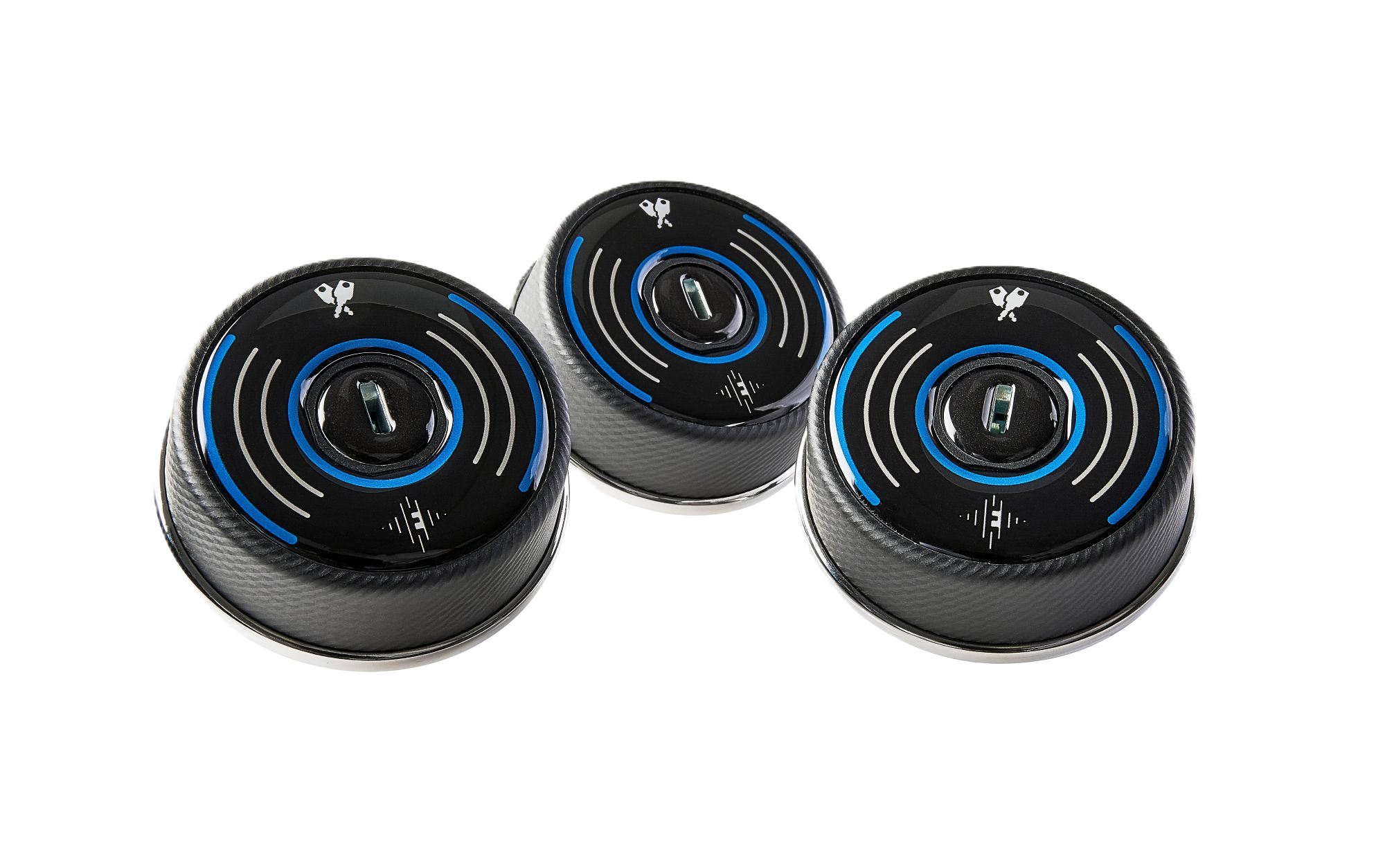
Meet the ECHO Lock
Battery-free, NFC-powered locking. No keys, no codes, no cards.
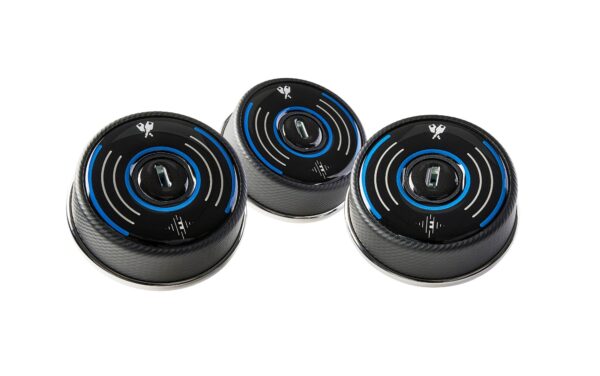
Batteries in a locker fleet cost money and time. Every one has to be checked, replaced and disposed of, and a flat battery means a locker nobody can open. The ECHO lock removes that problem. It locks and unlocks with a single tap of a smartphone, using Near Field Communication (NFC) to draw the small amount of energy it needs directly from the phone. There are no batteries to maintain and no keys or codes to issue.
How ECHO Powers Itself Without a Battery
ECHO uses NFC to harvest a small amount of energy from a smartphone each time it’s held against the lock. That’s enough to open or close the lock, with nothing left behind to charge, replace or throw away. It’s a simpler way to manage a locking system, and a smaller demand on the environment, too.
Our handy video guides will show you how to open and close your lock using our iOS and Android apps.
HOW IT WORKS
ECHO couldn't be easier to use: No keys. No codes. No cards. No problem.
To use an ECHO lock, all you need is your phone, a mobile signal or a WiFi connection, and our ECHO App, available on the App Store and Google Play. That’s it! No need for Bluetooth or wireless hubs and routers; ECHO simply connects to the Cloud, fuss-free.
While ‘Capture Technology’ harvests a tiny bit of energy from your phone, Near Field Communication (NFC) gets ready to talk to the lock. If you’ve never heard of NFC before, that’s the bit of kit your phone uses when you use Google Wallet or Apple Pay to make super-secure cardless payments at the checkout. Yes, it’s that safe to use.
Powered by ‘Capture Technology’
Powered by ‘Capture Technology’
With the ECHO NFC lock, you get all the advantages of a fully connected, networked system, but without any wires.
Energy-harvesting NFC technology lets ECHO ‘capture’ the tiniest amount of energy directly from your smartphone. How tiny? Less than 1% of your phone’s battery charge. Energy-wise, it’s like sending an SMS message or snapping a quick photo on your phone.
ECHO locks means never having to worry about batteries again. No batteries to check. No batteries to change. No batteries to throw away. And that all means less maintenance. Lower costs, plus a smarter, cleaner way to manage your locking system.
NFC is a short-range wireless technology that lets you securely pass data from one device to another. It’s the same technology you already use when you make a contactless payment with your smartphone or payment cards. Reassuring, or what?
How ECHO uses NFC
ECHO transfers a secure token from your phone to the lock, granting you instant, secure access.
One-time use, secure transaction
Once the transaction is complete, that token is immediately deactivated and cannot be reused. This ensures super-safe security every time you use an ECHO NFC lock.
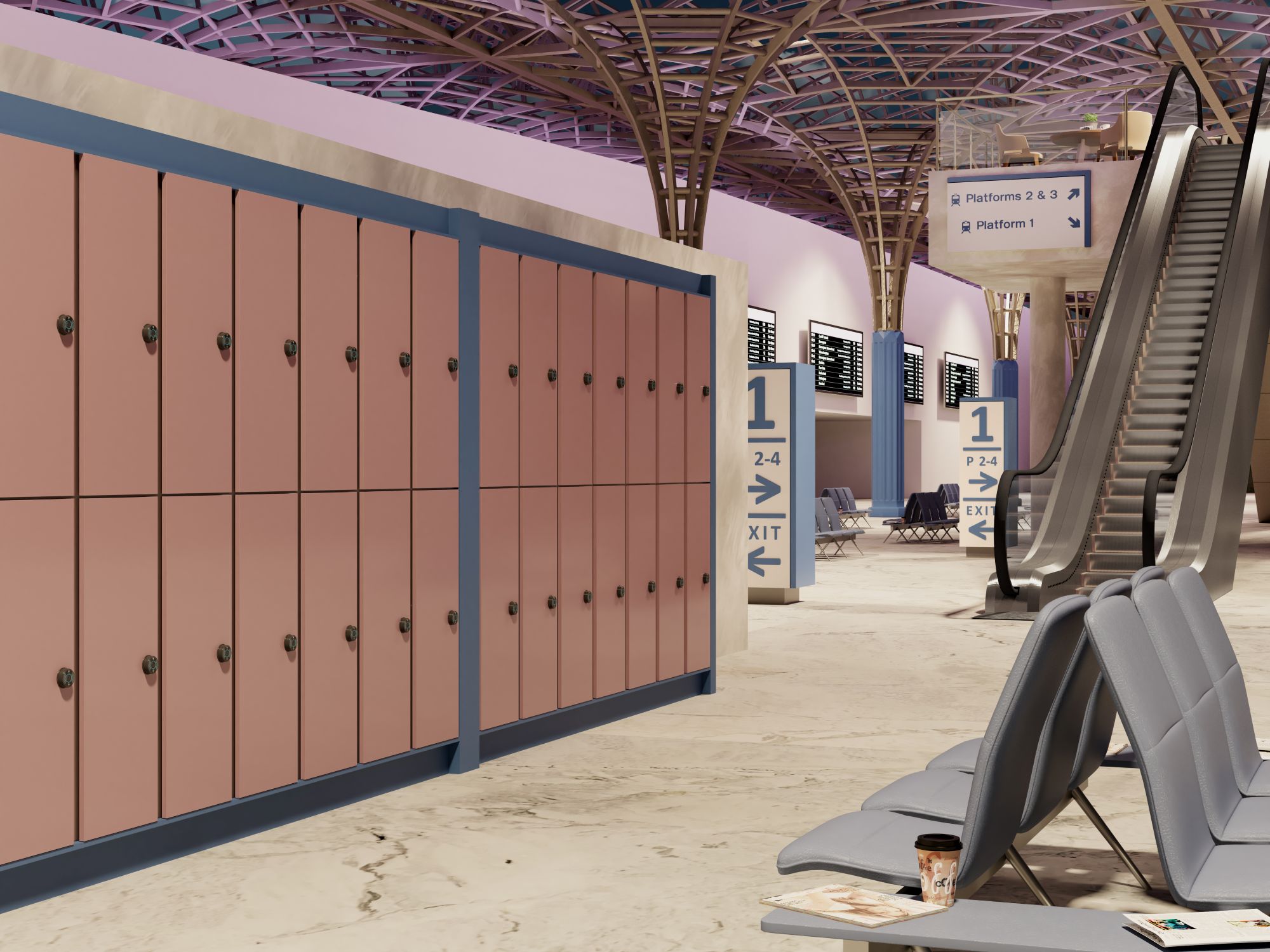
ECHO is wire-free and easy to use. The possibilities of how you could use it are endless. All you need is a mobile signal or WiFi connection. Here are just some of our favourite uses.
Workspace Storage
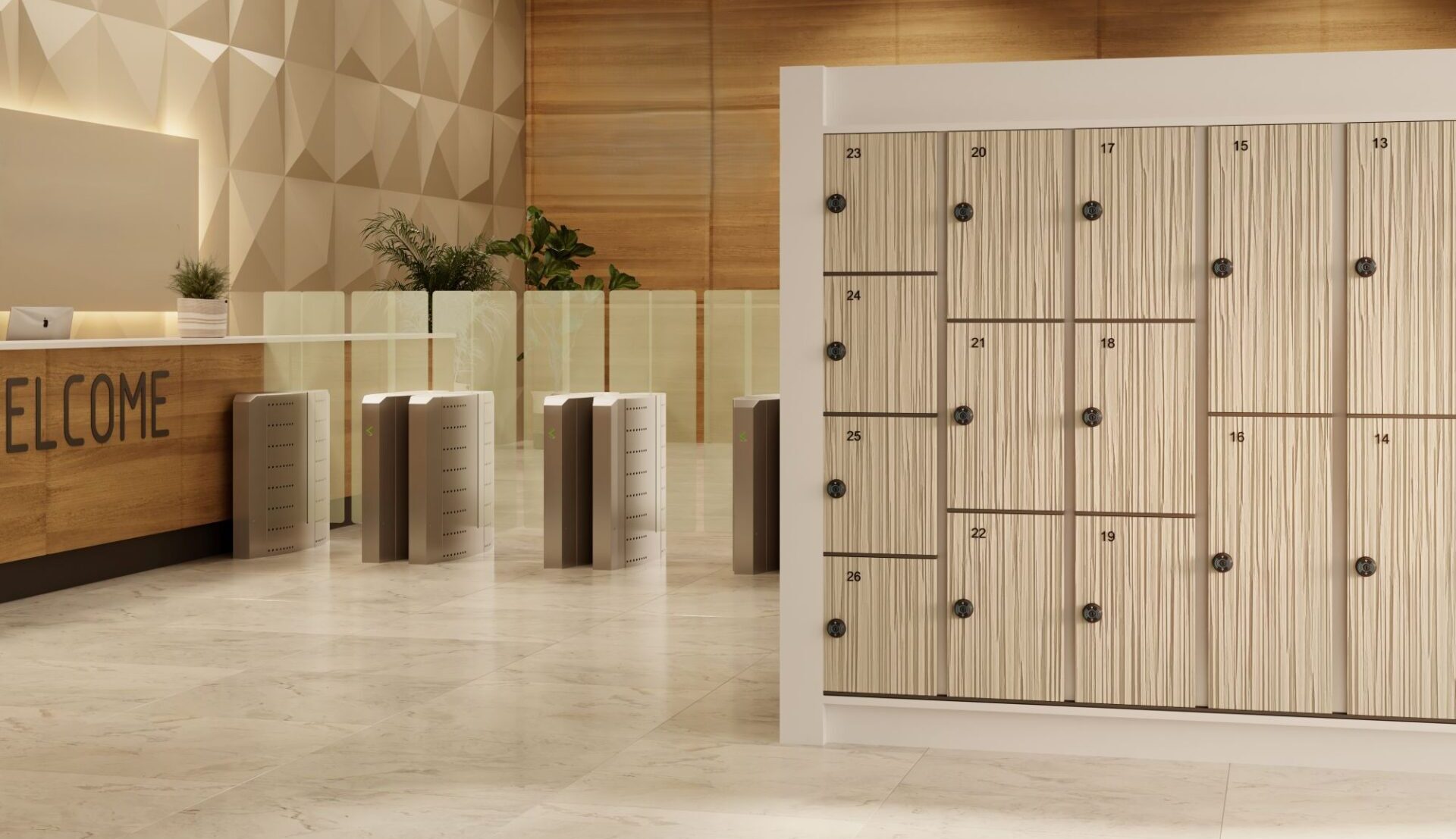
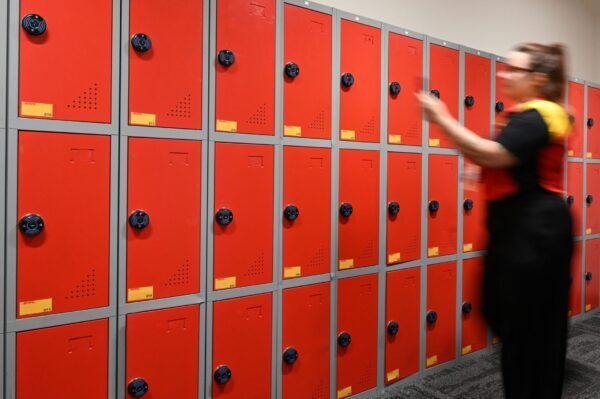
Secure personal storage for employees. This can either be used with ECHO in Private Mode, where locks are assigned to staff, or in Registered Public Mode, where staff can choose their own lock.
ECHO is wire- and battery-free. In fact, it doesn’t even need mains power. Instead, it uses Near Field Communication (NFC) to harvest the tiny amount of energy it needs to open and close your locker.
NFC secure
NFC is the same technology you use when you make a contactless payment with your bank card or smartphone. ECHO uses NFC to transfer a secure token from your phone to the lock, giving you secure access to the locker. Once the ‘transaction’ is complete, the token is deactivated and cannot be reused.
User-friendly
To use the ECHO lock, all you need is the ECHO app and your smartphone. There is no need for keys or passcodes. Just a few taps, and you’re done.
Planet-friendly
Because ECHO has no internal battery, it also means it has a lower carbon footprint. It reduces e-waste, lowers energy consumption, and even eliminates battery maintenance, helping to extend the life of your locks. ECHO is more than an evolution of the lock; it’s a game changer in lock sustainability.
Government-level security
You do not need any codes, keys, or an RFID card. Instead, ECHO uses Advanced Encryption Standard (AES) to protect your access, which is the same system governments use around the world to ensure the highest levels of encryption for their documents.
Access monitoring
With ECHO, you can effortlessly track access history through the app or portal. Instantly see who accessed each lock and when, ensuring exceptional security and control, regardless of the number of users.
Every battery in a locker system is something that eventually needs checking, replacing, and disposing of. Across a large installation, that can add up to a significant volume of waste and a recurring maintenance job. ECHO removes it at the source: there’s no internal battery to begin with, so there’s nothing to dispose of and nothing on a maintenance schedule.
For organisations working towards environmental or ESG targets, that’s a measurable reduction in electronic waste tied directly to the locking system rather than a separate initiative.
FLEXIBLE OPERATING MODES
Make Your Locker Installation Work Harder
ECHO locks give you the flexibility to use the lock however you want. You can now have a single bank of lockers in your reception area that can be used by visitors or guests (Public Mode), or you can exclusively allocate lockers to staff and employees for their own use (Private Mode). Everything is controlled through the App.
What modes are available?
ECHO gives you three operating modes: Public Mode, Private Mode, and Registered Public Mode.
Public mode
In Public Mode, lockers are ‘open’ and available for use by anyone.
Users request access to a locker by scanning a QR code displayed at the location, downloading the Echo app and registering. Admin approval is not required to use Public Mode locks, but access and usage can be monitored through the App or Web Portal.
Private mode
In Private Mode, users are granted exclusive access to lockers by the storage provider.
ECHO app can be used to securely lock and open their assigned locker, while admins can manage access and monitor usage through the App or the Web Portal.
Registered public mode
In Registered Public Mode, lockers are ‘open’ and available for use by anyone who is pre-approved/registered to use them.
Users must download the ECHO app when they receive an invite email from a storage provider and must be logged into their account to lock and open any of the lockers within that location. Admin then uses the ECHO app to send out email invites to pre-approved locker users and can also monitor lock availability.
How ECHO Compares to Bluetooth and Wi-Fi Smart Locks
Feature
ECHO (NFC, battery-free)
Bluetooth smart locks
Wi-Fi smart locks
Power source
Battery-free: harvests energy from the phone's NFC signal on each tap
Battery or wired power, often needs more complex install
Connectivity
NFC for the lock/unlock action, phone's mobile signal or Wi-Fi for app and portal access
Bluetooth, short-range, device-to-device
Wi-Fi, connects directly to the local network
Maintenance
No battery checks or replacements
Scheduled battery checks and replacement
Scheduled battery checks and replacement
Installation
Wire-free, no external power needed
Wire-free
Can require wiring or hub integration
Access management
Managed through the ECHO app or web portal, with audit trail
Varies by manufacturer
Varies by manufacturer
MAKE IT YOURS
See Your NFC Lock Come to Life
With our new design tool, you can personalise your ECHO lock to match your environment.
To get started, simply upload your logo, then choose from a range of colours and design options to create a lock that complements your space while maintaining the security and functionality you expect.
When you are happy with your design, click ‘Download Preview’ to see your design and submit your enquiry to our team.
Unlock information such as technical specifications, drawings and CAD files by visiting our ECHO technical page.
Step 1: Upload your logo
Drag your logo into position and resize the logo above or use the slider below to resize. If you wish to increase the size of the logo further please hide the lines below.
Step 2: Select your background colour
Choose a background color for the lock preview
Step 3: Select your ECHO logo colour
Choose a color for the ECHO logo
Step 4: Select your line colour
Choose a color for the lines
FLEXIBLE PLANS
Choose the Right Plan for Your Needs
ECHO Web Standard
Best for smaller locations
As standard, the dashboard gives you an overview of all the ECHO locks, availability, and who is using them. It also allows you to bulk upload email addresses.
The essential features include:
• Full ownership control
• Control hub for seamless lock management
• Effortlessly approve and manage user accounts
• Import users in bulk
Try the Standard Plan for FREE on a 30-day trial! Just click the button in the App and sign up today.
ECHO Web Pro
Best for full control and enterprise-level storage
The Pro version gives you all the features of the Standard version but with advanced functionality, including usage reports by lock and the ability to restrict the number of locks per user.
Advanced features include:
• Add unlimited admin users
• Easily transfer ownership
• Assign multiple locks per user
• Manage multiple locations
• Monitor lock use
• Access to comprehensive use reports, including audit trails
Ready to upgrade? Simply click the button in your ECHO app now!
APP OVERVIEW
ECHO App: One App, Many Uses
Whether you’re managing the lockers or simply storing your things while you head for a workout, the ECHO app controls it all.
Want to download the ECHO App?
Whether you’re an iPhone user or an Android user, the ECHO app is available on both the App Store and Google Play.
Facing the challenge of providing secure storage without the constraints of mains power or extensive IT infrastructure, Facilities Manager Mero Estesphan selected the ECHO lock system.
Whether you're planning an install, comparing systems, or just want to dig a little deeper, you'll find all the information that matters here. If you need more – feel free to get in touch.
The ECHO lock is so unique, and the best way to see how well it works is to try it in person. Book your ECHO demonstration and see why smart locks will never be the same again.
No, you can manage as many users as needed through the ECHO app, which allows for assigning, revoking, or modifying access permissions.
ECHO offers three modes: Public Mode (open to anyone), Private Mode (exclusive access), and Registered Public Mode (pre-approved access only).
The ECHO lock works with most NFC-enabled smartphones. Just download the ECHO app from your app store.
Yes, ECHO uses Advanced Encryption Standard (AES) for secure, government-level protection of each access session.
The ECHO lock uses NFC technology, harvesting a small amount of energy from your smartphone to power the lock. Just tap your phone, and you’re ready to go—no batteries needed.
The basic ECHO app is free for essential lock management and use. For a more advanced management experience, an enhanced version is available via a subscription to the ECHO web app, offering additional features and in-depth control options. Choose between monthly or yearly payment plans based on your needs.
NFC (Near Field Communication) locks work by locking and unlocking with a single tap of a smartphone, in the same way that you would make a contactless payment. NFC technology draws a small amount of energy from our smartphone to open and close the lock, without the need for batteries, keys, or codes.
ECHO is not rated for outdoor use and is not water-resistant, so it is not recommended for use in these environments. ECHO locks are IP4X Rated, meaning they are protected against solid objects over 1mm. For water resistance and outdoor suitability, look for minimum IP65-rated locks.
ECHO works with NFC-enabled smartphones running the ECHO app, available for iOS and Android. It is compatible with iOS 16 and above, and Android 10 and above.
ECHO does not have a native API for third-party platforms, and so cannot natively integrate with external third-party facility management or enterprise access control systems. You can get in touch with our technical team to discuss implementing ECHO as your new locking system.